
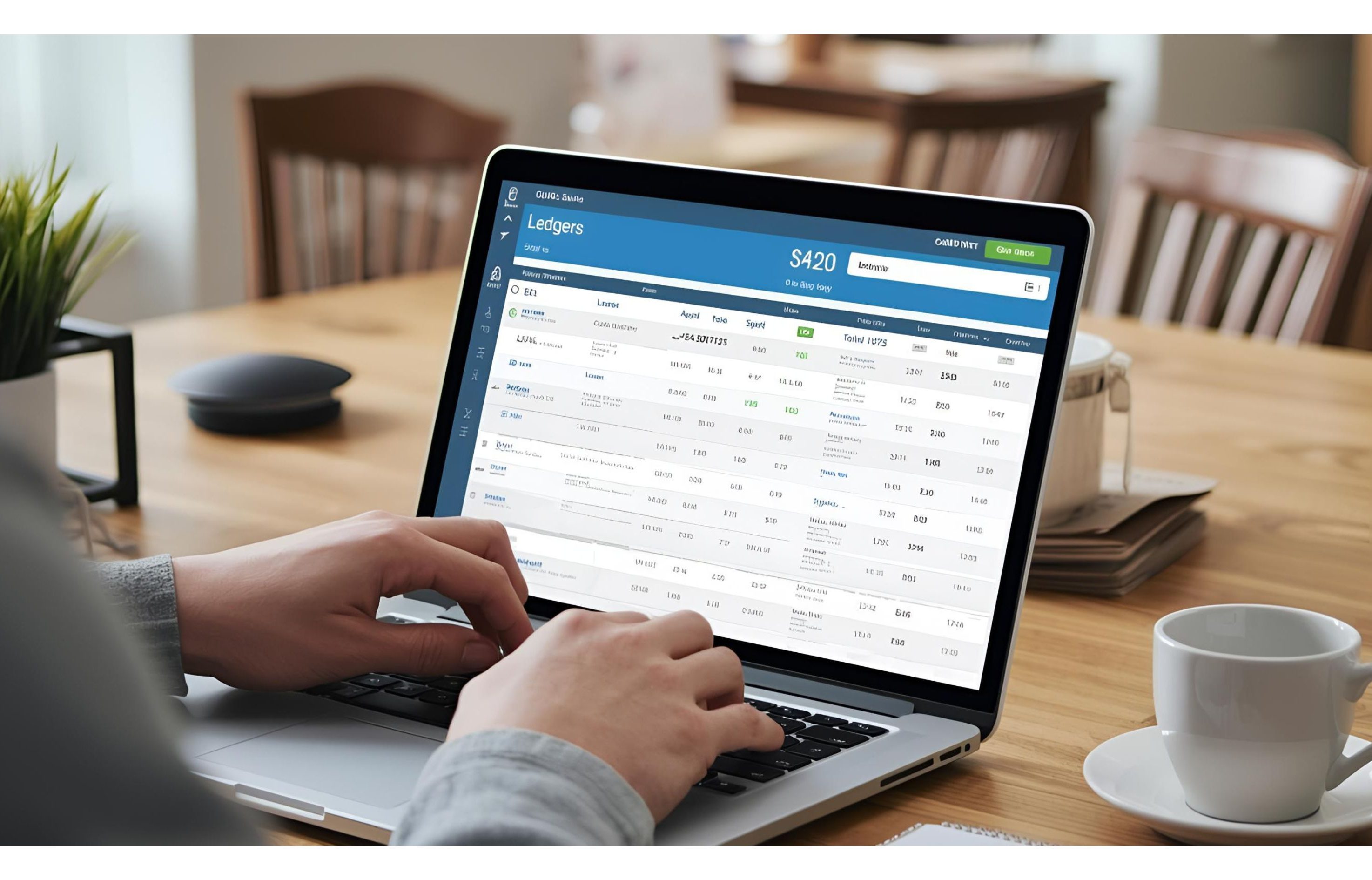
Turn Transactions into Insights with Smart Ledgers
Raw bank data only tells part of the story. To truly understand your finances, you need
categories, clients, and expense groups. That’s where Ledgers in ezBankSummary come in your built-in guide to smarter money management, making it easier to track spending, revenue, and even identify tools like the best financial analysis software to str


- Create Ledgers for What Matters Most
Ledgers can represent:
- Clients (track revenue per client)
- Categories (group expenses like Office Supplies)
- Purchase Accounts (track marketing or vendor costs)
- Sales Accounts (track income sources)
Each type is color-coded for quick recognition.

- Keyword-Based Categorization
No more manual tagging. Just add keywords for each ledger (e.g., “Amazon”, “Google Ads”, “Consulting”, “automated financial statement analysis”), and ezBankSummary automatically matches transactions against them.
- Easy to Manage
- Add or remove keywords anytime.
- Edit ledger names and types easily.
- Delete unused ledgers in one click.

💡 Pro Tip: Start with 4–5 ledgers that reflect your biggest clients, vendors, or categories. This small setup delivers huge time savings later.
👉 Take control of your spending and revenue streams, set up your first ledger today.
Leave a Reply